[Code Inside] ETL Data From data.mef.gov.kh to neon.tech for Free
0 Comments
🖥️ Clone & Run Project
git clone https://github.com/chuonraksa007/def_to_neon_etl
cd def_to_neon_etl
# Change database url to your neon credential in env file
docker compose up --build
Test api
http://127.0.0.1:8001/etls/get_def_data
http://127.0.0.1:8001/etls/list
ETL (Extract, Transform, Load) Flow
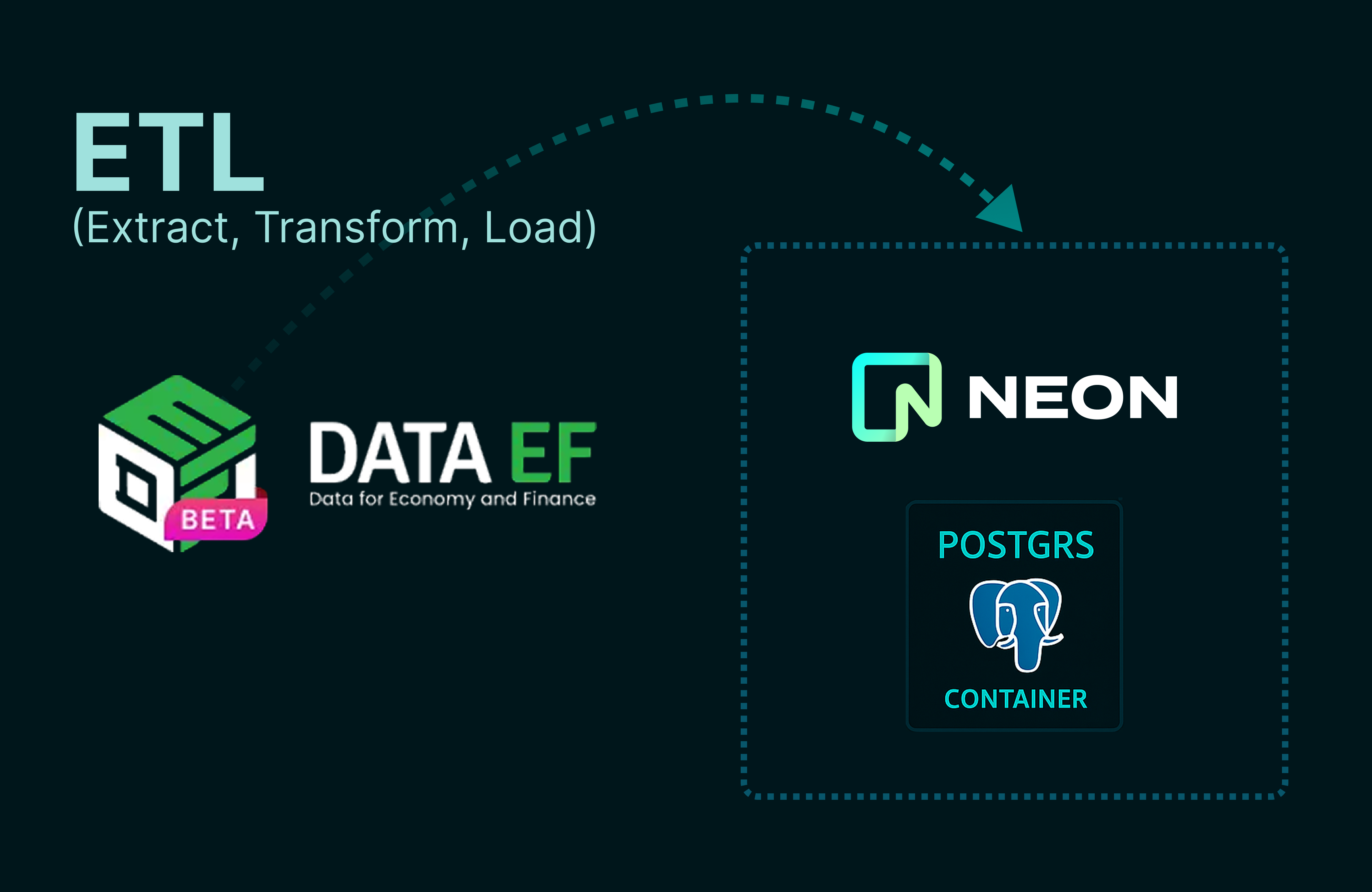
- Extract – Use FastAPI to call the MEF API endpoint.
- Transform – Clean or map the JSON data into structured records.
- Load – Insert data into Neon Postgres using SQLAlchemy.
What You’ll get
- How to set up a FastAPI project for ETL (Extract, Transform, Load).
- Extracting open data directly from MEF’s API.
- Loading that data into a serverless Neon Postgres database.
- Running it all for free, step by step.
Tech Stack
- Python 3.9+
- FastAPI (backend framework)
- Requests / httpx (to fetch data from MEF API)
- SQLAlchemy + asyncpg (for database connection)
- Neon.tech (cloud Postgres hosting)
Register on Neon.tech and Create a Database
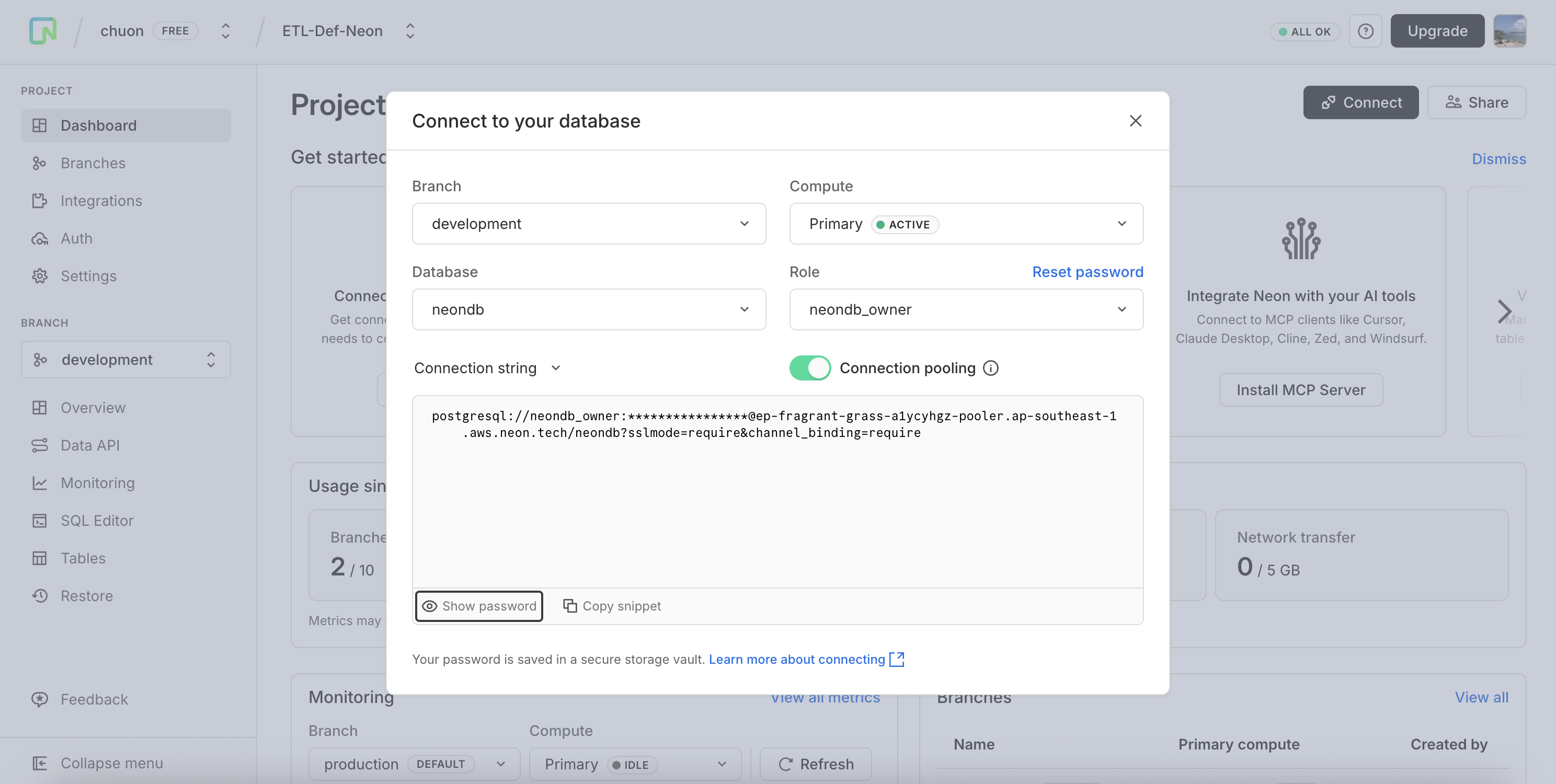
1 - Go to https://neon.tech
2 - Click Get Started for Free and sign up (GitHub or Google login works best).
3 - After logging in, create a new project.
- Choose a project name (e.g.,
mef_etl). - Select Free Plan (includes free Postgres hosting).
4 - Once created, Neon will give you a Postgres connection string that looks like this:
postgresql+asyncpg://neondb_owner:examplePassword@example-pooler.ap-southeast-1.aws.neon.tech/neondb?ssl=require
Save this connection string — you’ll need it in your FastAPI project.
Data EF: data.mef.gov.kh
Api data from Mef
https://data.mef.gov.kh/api/v1/public-datasets/pd_679b41de66a3530001dbeb04/json?page=1&page_size=10
Why Neon?
- Free Postgres hosting.
- Scales automatically.
- Perfect for quick ETL prototypes and data projects.